How it works
From the library to a real website
Four steps, none of which needs a code editor.
THE FOUR STEPS
Four steps, none of which needs a code editor.
1
Browse the libraryFilter by name or by category to narrow the list, then open whichever template is closest to what you plan to build.
2
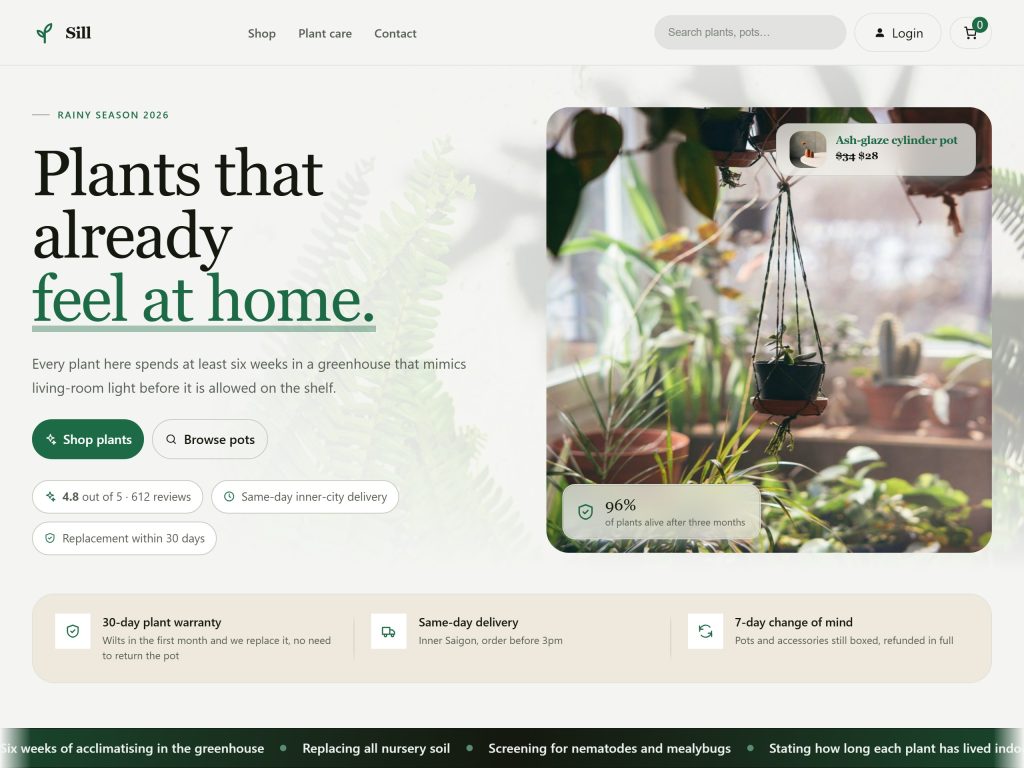
Open the demoSee the home page and every inner page at full size — the same header, footer, menu and palette the template carries.
3
Set your identityUpload your logo, set the site name, and review the list of plugins the template brings with it.
4
Build the siteEvery page, menu, header and footer is created on your own site — same layout and same colours as the demo.
BEFORE YOU BUILD
You see everything you are about to get
The list of inner pages, the plugins that come with it and the palette are all shown before the site is created. At no point do you have to take a promise on trust and find out afterwards.
WHAT YOU CAN CHANGE
The identity is yours, the layout is the template’s
AFTER THE BUILD
The site is yours, locked to nothing
QUESTIONS
Frequently asked questions
No. Every demo is a page running for real, built from the same header, footer, menu and palette the template carries. You can scroll it, click it and open it on a phone.
Each template ships with one header and one footer of its own. Your logo and site name go into them at the Set your identity step, and after the build they are ordinary WordPress template parts you can edit like anything else.
No. The palette in the store and the palette in the theme on your site are the same one, so what you see in the demo is what you get.
Between eight and eighteen, depending on the template. The software ones run home, features, pricing, customers, blog, contact and a 404 page; the shop one runs catalogue, basket, checkout, account, delivery, returns and the rest of a real storefront. Every template lists its own pages inside the demo.
Every template declares the plugins it needs. The required ones are installed; the suggested ones you can untick.
Start from a template, not a blank page
Browse the collection, open a demo, then carry the same layout and colours over to your own site.